
Table of Contents
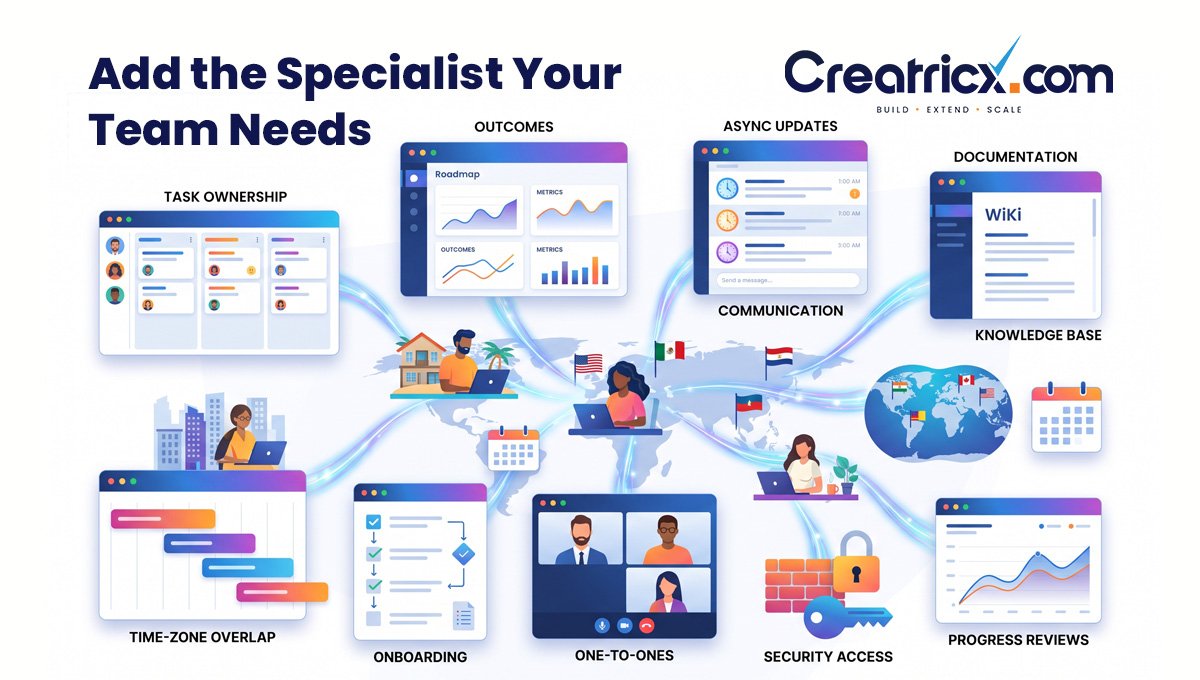
Why Remote Team Management Needs Deliberate Structure
In an office, people sometimes discover changing priorities through informal conversations. A distributed team needs a dependable way to receive the same information, especially when colleagues work different hours.
For instance, a 2021 study of Microsoft employees during the pandemic showed that working remotely led to increased siloing of collaboration networks and fewer connections between groups.
The study concerned one company and an unusual period, so it should not be treated as a universal forecast. It does identify a coordination risk worth planning for. Source: Microsoft Research.
The management response is practical: make decisions discoverable, clarify who depends on whom and create opportunities for teams to exchange context. Buying another collaboration tool helps only when people know how to use it together.
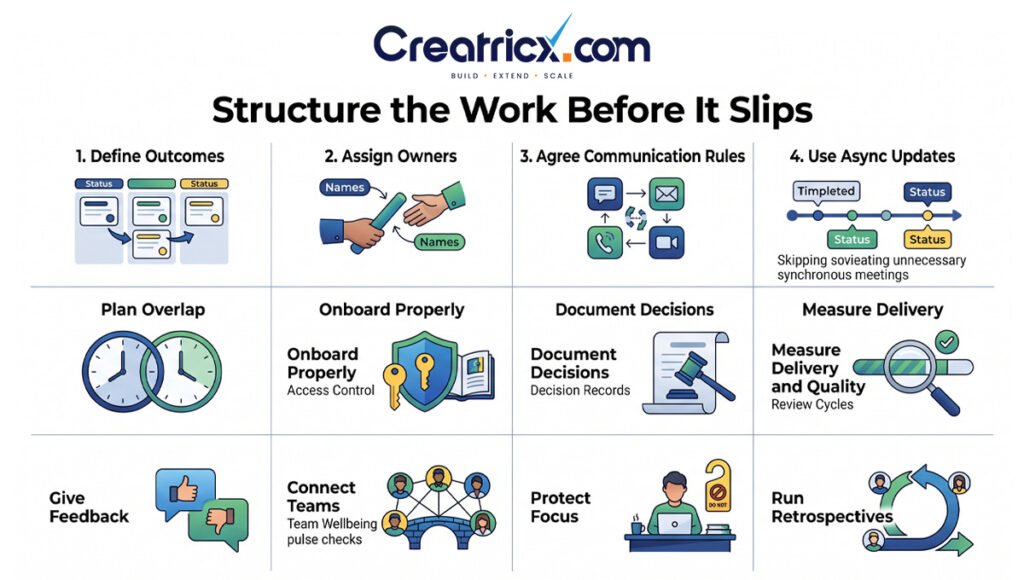
1. Define Outcomes Before Assigning Tasks
A task should explain what needs to change, why it matters and how completion will be judged. “Improve the website” leaves too much room for interpretation. “Fix the checkout validation issue and confirm the affected payment journeys pass QA” gives the team a concrete result to deliver.
Make Acceptance Criteria Visible
For significant work, record the expected result, owner, target date, dependencies and acceptance criteria. Identify the person who will review it and how quickly that review is needed.
Let team members challenge an unrealistic estimate or incomplete brief before they commit. Accountability works better when the commitment reflects the actual scope and available capacity.
2. Give Each Deliverable a Clear Owner
But collaboration still needs a champion to move the work forward. Have a single delivery owner who coordinates contributors, raises blockers and makes progress visible.
Ownership and approval authority for split delivery A product lead might sign off on a behavioral change, but a developer could own the implementation. Document which decisions the team can make independently and which require escalation.
For an outsourced team, name a client-side contact with time to answer questions and resolve competing priorities. A provider cannot compensate for a decision that no one in the client organization is authorized to make.
3. Agree Communication Rules and Response Expectations
Create a short working agreement covering where tasks live, where decisions are recorded and how urgent issues are raised. Explain what “urgent” means so every message does not become an interruption.
The following is an illustrative communication agreement. Adjust it to your working hours and service commitments.
Write Messages That Enable Action
A useful request includes context, the decision or action needed, a link to the relevant work and the required response time. Specify the time zone when timing matters.
For example: “The release is blocked by the payment-provider choice. Please approve option A or B in this task by 14:00 UTC tomorrow; the trade-offs are attached.” This gives the recipient enough information to respond without a series of clarification messages.
4. Use Asynchronous Updates and Purposeful Meetings
Written updates suit progress reports, routine handoffs and information people need to review carefully. Live conversations suit sensitive feedback, unresolved ambiguity and decisions that benefit from rapid discussion.
An asynchronous update can cover what was completed, what comes next, what is blocked and what help is needed. Keep it attached to the work so the history remains easy to find.
For a meeting, identify the decision or outcome beforehand. Invite the people needed to achieve it, provide context in advance and record the result afterward. If a written update meets the same need, remove the recurring meeting.
Do not let a long comment thread replace a necessary conversation. When people repeatedly misunderstand each other, arrange a short call and document the agreement.
5. Plan Time-Zone Overlap and Handoffs
Agree the overlap needed for collaboration and protect working time outside that window. Check the schedule when daylight-saving changes affect either location.
A useful handoff explains the current state, the next action, known risks and where the relevant files or systems can be found. Name the receiving owner and confirm that the work has been accepted when continuity matters.
Avoid interpreting geographic coverage as automatic round-the-clock support. Overnight response requires an agreed staffing schedule, escalation route and coverage arrangement. A team distributed across countries may still work the same business hours.
6. Build a Structured Remote Onboarding Process
A new colleague needs more than account access. They need to understand the product, customers, quality standards, decision process and people they will depend on.
Give the First Month a Clear Shape
all the needed equipment, permissions, and onboarding schedule before the start date. Week 1: Get key contacts in, walk through the workflow and give a small task with a clear reviewer.
Take on more responsibility in the coming weeks Ask what instructions were hard to find Use that information to improve onboarding for the next person. The speed depends on how complicated the role and system is. The first month plan is a guide, not a promise of being 100% productive.
An onboarding buddy can help with day to day questions but the manager is still responsible for priorities, feedback, and progress.
7. Maintain a Shared Record of Decisions
Choose an agreed home for project documentation, responsibilities and important decisions. Link to that record from other tools instead of maintaining several competing versions.
A useful decision note explains the problem, the chosen approach, who approved it and what would justify revisiting it. Assign an owner to important operating instructions and review them when the process changes.
Document enough for another person to continue the work. A long handbook that nobody maintains can create as much confusion as missing documentation.
8. Measure Delivery, Quality and Workload Together
Performance measures should reflect the purpose of the role. Online status, message volume and hours in meetings do not show whether a team is producing useful work.
For a software team, review accepted delivery alongside defects and rework. For customer support, combine response and resolution measures with service quality. For marketing, tie completed activity to mutually agreed business results, but be aware that results may be delayed in relation to the work.
Use Metrics to Investigate Problems
If delivery slows, examine scope changes, dependencies, review queues and workload before attributing the problem to effort. Compare similar work and discuss the evidence with the person responsible.
Don’t turn one number into a universal productivity score. More tickets closed can be easier tickets and more changes shipped can be more defects. Balanced measures reflect those trade-offs.
9. Hold Regular One-to-Ones and Give Specific Feedback
Use individual conversations to discuss workload, obstacles, development and support. A project status review does not cover all of those needs.
Give feedback close to the event and describe observable behavior. “The handoff omitted the deployment steps, which delayed the next shift” provides a concrete starting point. Then agree what a complete handoff should contain and when to review the change.
Ask what the manager could clarify or remove. If someone raises a blocker early, respond constructively so the team learns that reporting a risk is part of responsible delivery.
10. Build Connections Across Team Boundaries
Give remote colleagues access to the people who understand customer needs and business priorities. A technical team benefits from hearing how support describes a recurring problem; marketing benefits from understanding product constraints.
Use selected demonstrations, shared planning sessions or paired problem-solving to connect teams around real work. Rotate participation where appropriate so the same people do not become the only bridges between departments.
In hybrid meetings, make documents, questions and decisions accessible to remote participants. Do not allow an unrecorded office conversation to overturn a decision the wider team believes is settled.
11. Protect Focus, Wellbeing and Secure Access
Set realistic workloads and make it okay to disconnect outside agreed hours. If after-hours work becomes routine, review staffing, priorities and support model.
Keep optional social activities optional. Build inclusion through fair access to information, recognition and development opportunities as well as informal conversation.
Security should be built into daily working arrangements: individual accounts, appropriate access permissions, multifactor authentication and a clear way to report incidents.
Describe the tools that may contain client information, including any AI tools used to draft, summarize or analyze work. Revoke access during offboarding, and review access when roles change.
12. Review How the Team Works and Improve One Thing at a Time
Hold a short retrospective at an interval that fits the delivery cycle. Ask what helped, what caused avoidable delay and which change would make the next cycle easier.
Select a small number of improvements, assign owners and check whether they worked. Examples include reducing an approval queue, improving a handoff template or removing a meeting that duplicates written updates.
The aim is a working system the team can sustain. Adding a new rule after every problem can make the process harder to follow without addressing the underlying cause.
A Practical 30-Day Plan for Remote Team Managers
In week one, agree priorities, responsibilities and acceptance criteria. Review current blockers with the team and identify where ownership is unclear.
In week two, establish the communication agreement, shared documentation location and working-hour expectations. Test the escalation route with a realistic scenario.
In week three, review delivery and quality measures, hold individual conversations and check whether onboarding or access gaps are slowing people down.
In week four, run a retrospective and make one or two targeted changes. Compare the experience with the starting point: fewer unresolved blockers, clearer handoffs or faster decisions are useful early signals. This schedule is illustrative and should be adapted to the team’s size and maturity.
How Creatricx Supports Dedicated Remote Team Management
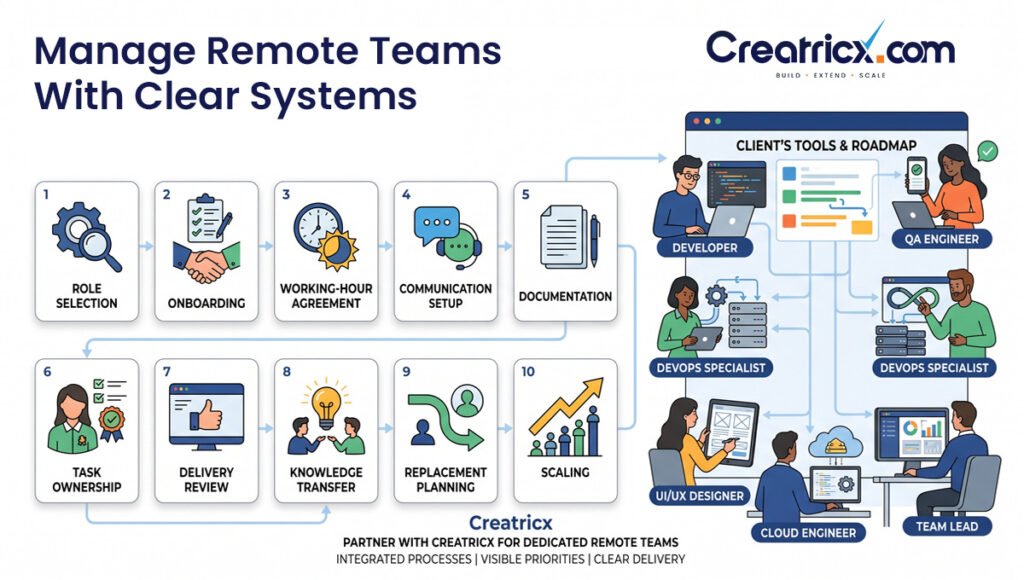
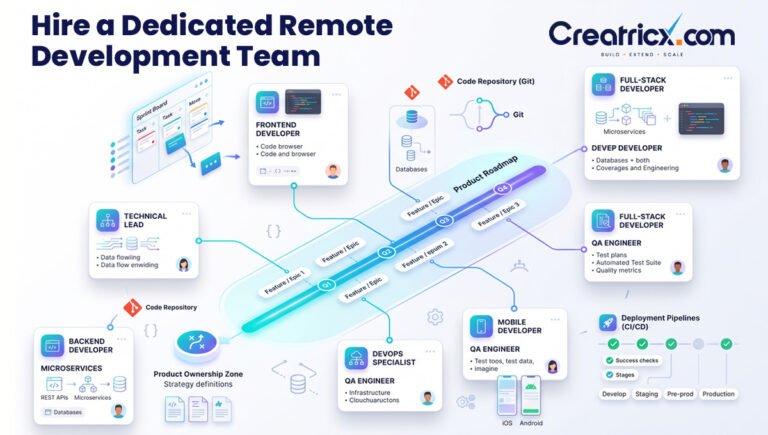
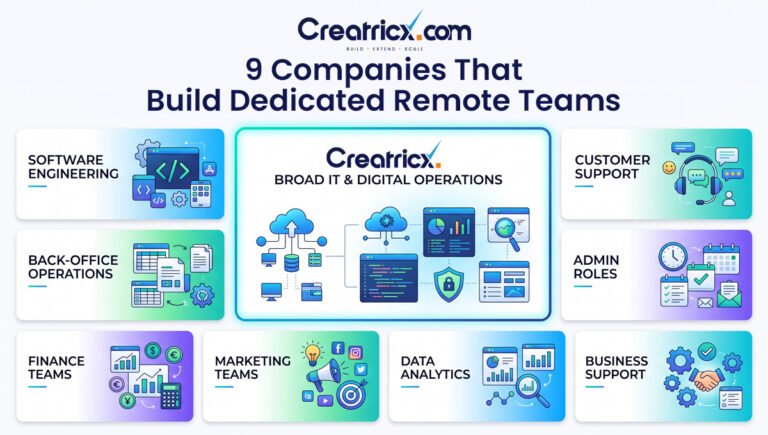
Creatricx helps businesses build dedicated remote IT teams that integrate with their tools, processes and agreed working hours. Includes talent selection, onboarding and operational support, with the client continuing to direct the priorities and the roadmap.
If a company has a manager and requires specific expertise, staff augmentation is a way to add specialists to the existing team structure. A dedicated team can work well for ongoing work that requires continuity across several roles.
Agree who manages daily work, approves delivery and handles escalation before you start. Clarify roles for continuity, replacement planning and knowledge transfer so that both sides understand how the engagement will work.
Talk to Creatricx about your remote team needs to discover what roles and working model your business needs.
Frequently Asked Questions
What Are the Most Important Skills for Remote Team Management?
Core skills include prioritization, delegation, coaching, problem solving and clear written communication. Managers also have to know when a written exchange will suffice and when a live conversation will better resolve the issue.
How Often Should Remote Teams Meet?
Set the cadence based on dependencies, support needs and delivery risk. Weekly planning and regular one on one conversations can be a start and routine progress updates can be written. Add or remove meetings as they add value.
How to Hold Remote Employees Accountable
Agree outcomes, owners, deadlines and acceptance criteria and review progress regularly. Early identification of blockers and discussion of missed commitments with specific evidence. Empower employees with the authority, information and capacity to meet expectations.
Which Tools Do You Need to Manage a Remote Team?
Most teams need task tracking, written communication, shared documentation and a way to meet live. Select tools that fit existing workflows and access requirements. Define where each type of information belongs before adding more software.
Who Manages an Outsourced Dedicated Team?
Responsibilities depend on the engagement. The client may direct daily work, or management may be shared with a provider-appointed lead. Record ownership of priorities, quality, approvals and people-related escalation before onboarding begins.