
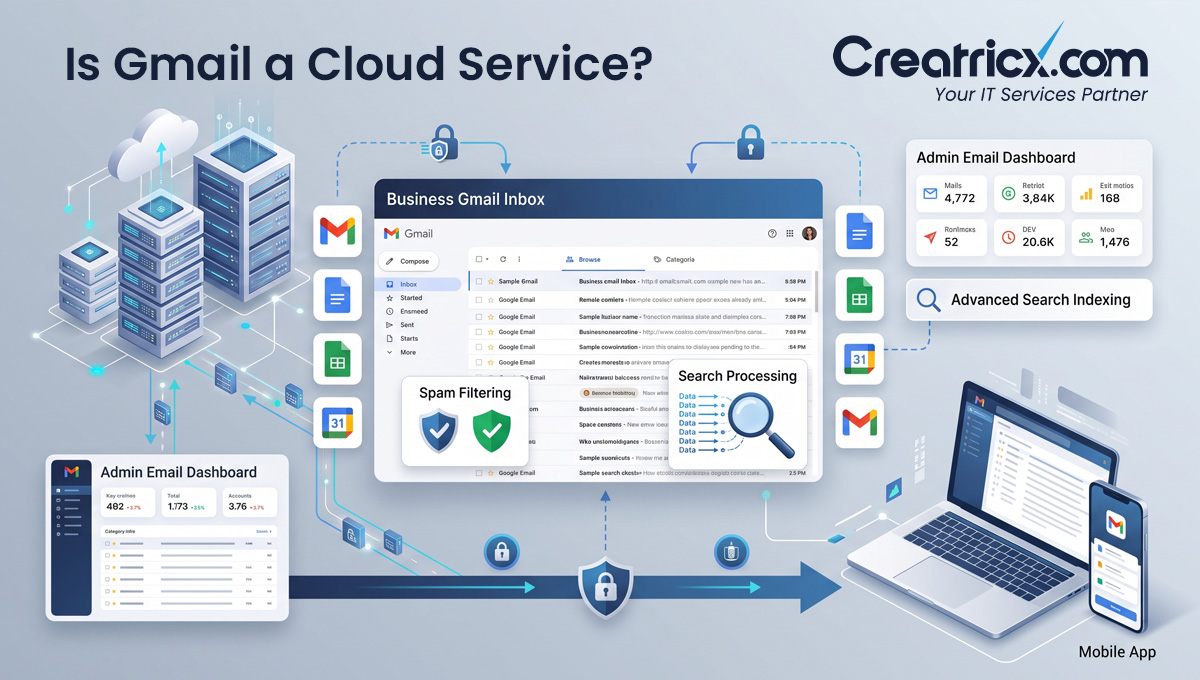
Yes, Gmail is a cloud service, and in contrast to Chrome, there’s no real ambiguity here. Every email, every search, every spam filter decision happens on Google’s servers, not on your device, which is exactly the definition of software as a service (SaaS), the most common of the four cloud service models.
Key Takeaways
- Gmail runs entirely on Google’s infrastructure; your browser or app is simply a window into an inbox that lives, and is processed, remotely
- Over 11 million businesses now pay for Google Workspace, which includes Gmail, and more than 60% of mid-sized US companies use Gmail for business email
- Gmail Offline, which lets you read and draft emails without a connection, doesn’t make Gmail local software, it’s a limited local cache layered on top of a cloud service, and it syncs the moment you’re back online
- Moving business email onto Gmail is easy; moving away from it later carries real switching costs, migration, retraining, and integration work that businesses often underestimate at signup
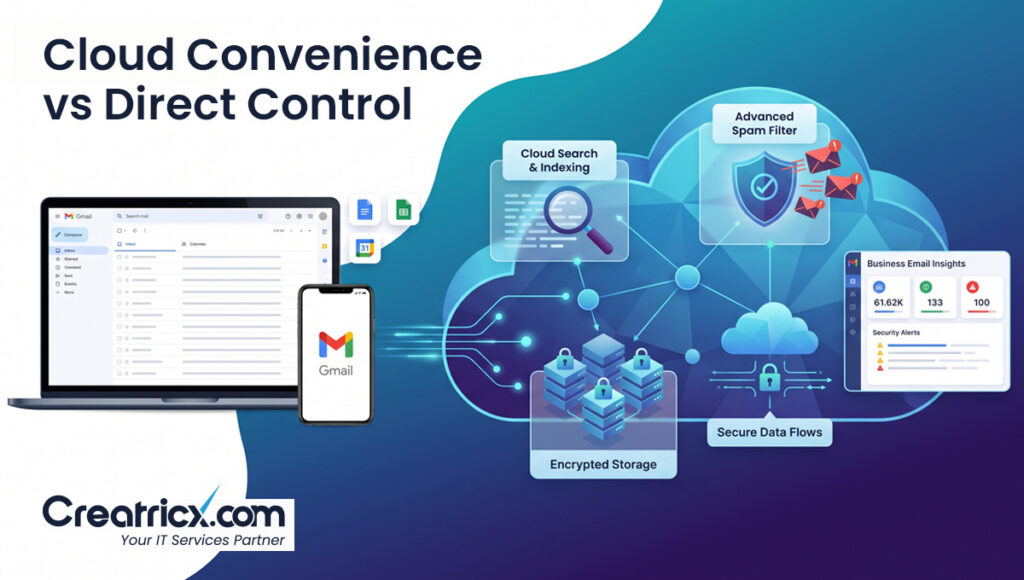
- The genuine trade-off isn’t “is Gmail cloud-based,” it’s if the convenience of a fully managed cloud inbox is worth the dependency that comes with handing your business’s core communication channel to a single external provider
Why There’s No Real Debate Here
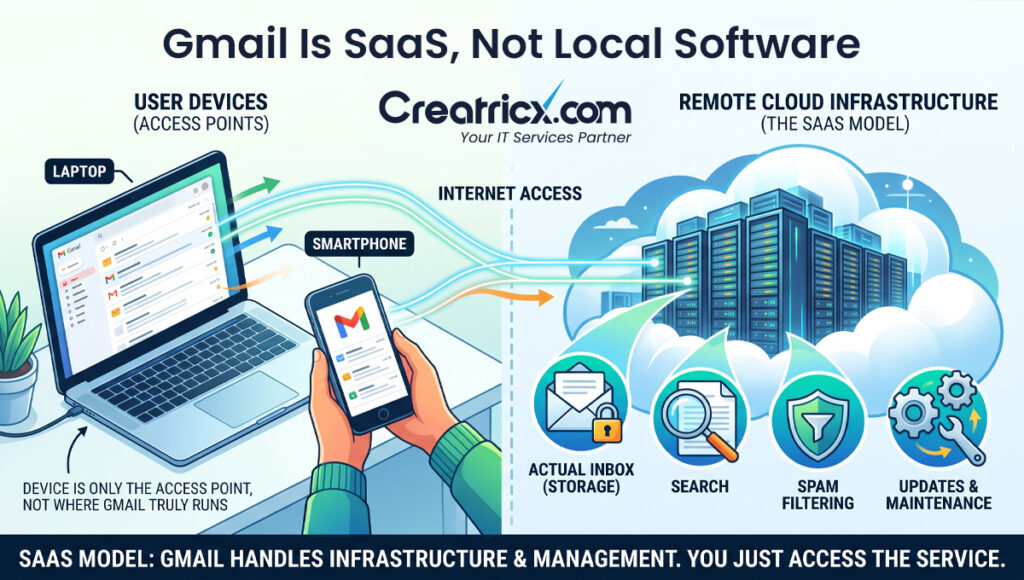
With Chrome, the “is it cloud” question has a genuinely nuanced answer because the browser itself is local software that connects to cloud features. Gmail doesn’t have that ambiguity. There’s no local Gmail application doing the heavy lifting on your device, no local database of your entire inbox sitting on your hard drive by default. When you search your inbox, that search runs on Google’s servers. When Gmail flags something as spam, that decision was made remotely, using models trained across billions of emails, not by anything running on your laptop. Your browser or phone app is a display layer, nothing more.
Software as a Service (SaaS) is the term for exactly this pattern: finished software, delivered over the internet, fully managed by the provider, where the user’s device does none of the real work. Gmail is one of the most widely used SaaS products in the world, alongside tools like Salesforce and Dropbox.
What “offline Mode” Actually Proves, And What It Doesn’t
Gmail Offline lets you read recent emails and draft replies without an internet connection, which sometimes gets pointed to as evidence that Gmail must have some local component after all. It does, in a narrow sense: a small cache of recent messages gets stored temporarily in your browser so you’re not completely stuck without a connection. But that cache is limited, temporary, and exists purely to bridge short gaps in connectivity.
The moment you reconnect, everything syncs back to the actual inbox living on Google’s servers, which remains the single source of truth. A local cache for convenience isn’t the same as the service actually running locally.
Don’t mistake a sync cache for local processing. Plenty of cloud services, Gmail included, keep a small local copy of recent data so the interface feels responsive or works briefly offline. That’s a performance feature, not evidence the core service has moved off the provider’s servers.
The Part Businesses Tend To Skip Over At Signup
Signing up for Google Workspace and moving business email onto Gmail takes an afternoon. Moving away from it later, if a business ever needs to, is a different story entirely. Migrating years of email history, retraining staff on a new interface, updating every system integrated with Gmail’s API, and managing the disruption of a transition period all carry real, often underestimated cost. None of this is a reason to avoid Gmail, over 11 million businesses currently pay for Google Workspace precisely because the trade-off works in their favour, but it’s worth going in with open eyes about the dependency being created, rather than treating the decision as purely a feature comparison.
This isn’t unique to Gmail, it’s true of any cloud service a business builds its operations around. The convenience of full-service cloud tools comes bundled with a switching cost that only becomes visible when a business actually tries to leave. Factoring that in at signup, rather than discovering it later, is the more useful way to evaluate any SaaS commitment.
Gmail Vs Self-hosted Business Email, What Actually Changes
| Factor | Gmail / Google Workspace | Self-Hosted Email Server |
| Who manages security and updates | Google, entirely | Your own IT team or a hired provider |
| Setup time | Hours to days | Weeks, plus ongoing maintenance |
| Where your data physically lives | Google’s data centres, location varies by plan | Servers you control directly |
| Switching cost later | Real, but manageable with planning | Lower, since you already control the infrastructure |
| Uptime and reliability | Backed by a published SLA and large-scale infrastructure | Dependent entirely on your own setup and maintenance |
A Practical Way To Think About Your Business Email Setup
Step 1: Confirm What You’re Actually Optimising For
If speed of setup and low maintenance overhead matter most, Gmail’s cloud model is built for exactly that. If control over data location and infrastructure matters more, that changes the calculation.
Step 2: Ask About Data Residency if It Matters to Your Business
Some industries and jurisdictions have specific requirements about where business data physically lives. Confirm this explicitly rather than assuming, since cloud provider data centre locations vary by plan and region.
Step 3: Plan the Exit Before You Need It
Even if you have no plans to leave, understanding what a migration away from Gmail would actually involve, and roughly what it would cost, gives you a realistic picture of the dependency you’re taking on.
Step 4: Weigh Convenience Against Control Honestly
Neither option is universally right. A fully managed cloud inbox trades some control for significant convenience; a self-hosted setup trades convenience for more direct control. Match the choice to what your business actually needs, not to which one sounds more impressive.
Businesses that treat this as a genuine trade-off decision, rather than defaulting to whichever option is most familiar, tend to end up with an email setup that actually matches their risk tolerance and technical capacity, rather than one they inherited by accident.
Frequently Asked Questions
Is Gmail a cloud service?
Yes. Gmail is a Software as a Service (SaaS) product; your inbox, search, and spam filtering all run on Google’s servers, not on your device.
What’s the difference between Gmail and a browser like Chrome in terms of being cloud-based?
Gmail is a genuine cloud service with no local ambiguity, while Chrome is locally installed software that connects to cloud features, a meaningfully different setup.
Does Gmail Offline mean Gmail isn’t really a cloud service?
No. Gmail Offline stores a limited, temporary local cache for short connectivity gaps; the actual inbox and all processing still live on Google’s servers as the single source of truth.
How many businesses actually use Gmail for business email?
Over 11 million businesses pay for Google Workspace, and more than 60% of mid-sized US companies use Gmail as their business email provider.
What’s the biggest risk of relying entirely on Gmail for business email?
The main risk isn’t reliability, it’s switching cost. Migrating years of email history and retraining staff later carries real cost that’s easy to underestimate at signup.
Should a business ever consider self-hosted email instead of Gmail?
It depends on priorities. Self-hosted setups offer more direct control over data location and infrastructure, at the cost of more setup time and ongoing maintenance responsibility.
Where does Gmail data actually get stored?
On Google’s data centres, with the specific location varying by plan and region; businesses with data residency requirements should confirm this directly rather than assume.
How does Creatricx help businesses evaluate their email and cloud setup?
By mapping actual business needs, cost, control, and data requirements, before recommending a fully managed cloud option, a self-hosted setup, or a blended approach.
In Summary
Gmail is a cloud service in the most straightforward sense, your inbox lives and is processed entirely on Google’s servers, with your device doing nothing more than displaying it. The more useful question for a business isn’t if Gmail qualifies as cloud-based, it clearly does, it’s if the convenience of that fully managed setup is worth the dependency it creates, and if you’ve actually thought through what moving away would take before you’re forced to find out.